
7 Proven Ways to Increase Shopify Clothing Store Conversions (2026)
The average Shopify clothing store converts at 1.3–1.8%. Top-performing fashion stores on Shopify hit 3–5%. That gap — which represents double or triple the revenue from the same traffic — comes down to one thing: purchase confidence. Here are 7 tactics that directly build it.
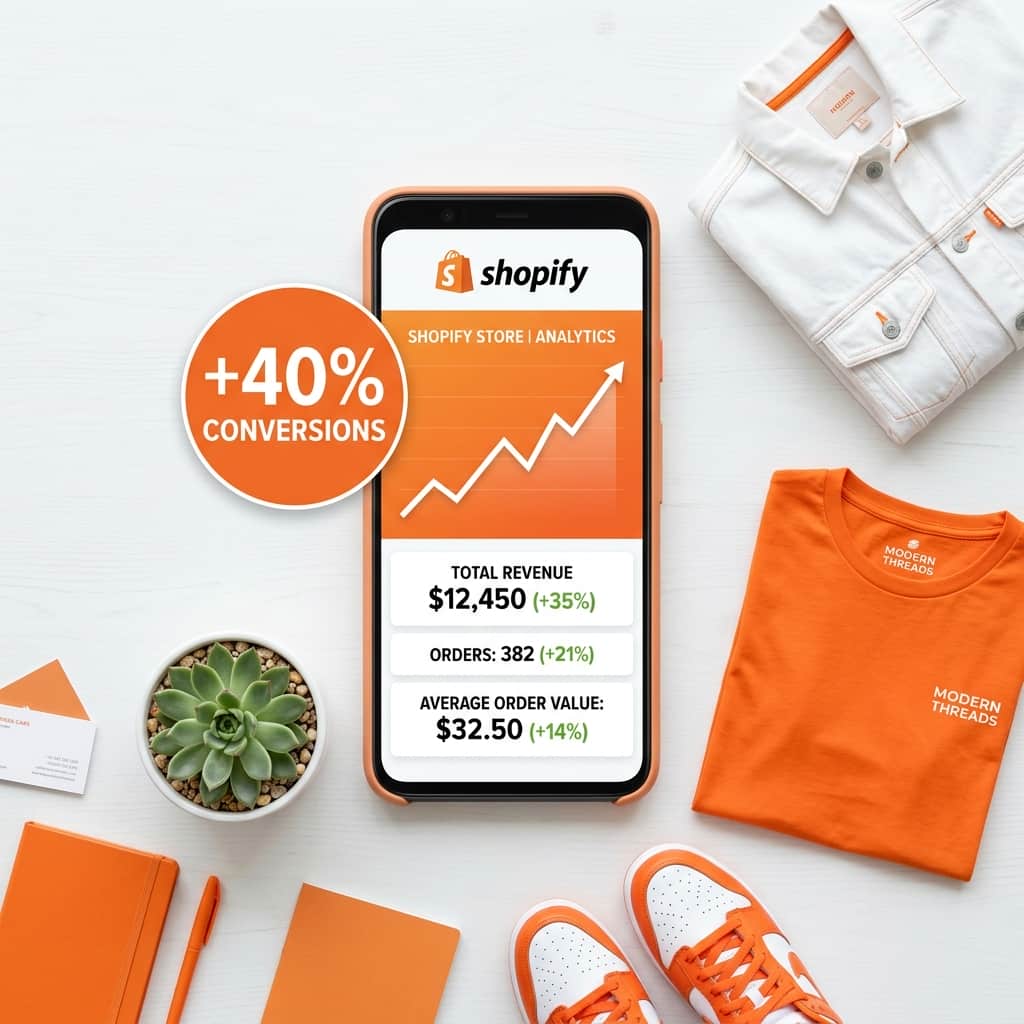
Shopify Clothing Conversion Rate: What's Normal?
Shopify's internal data puts the average e-commerce conversion rate at 1.4%. For clothing and fashion specifically, it runs slightly lower — 1.3–1.8% — because apparel purchases carry uniquely high purchase hesitation. Customers cannot touch the fabric, try the fit, or see how a color looks against their skin tone.
Top-performing fashion stores reach 3–5%. The difference is almost entirely explained by how effectively they resolve purchase hesitation — fit, appearance, and style confidence.
Add AI Virtual Try-On to Your Product Pages
AI virtual try-on for Shopify clothing stores is the highest-impact single change you can make to your product pages. When a shopper can see themselves wearing a garment — not a model, not a mannequin, but themselves — the primary objection to buying dissolves instantly.
TryOnCloud merchants consistently report up to 40% higher conversion rates for customers who use the Try On button versus those who only view standard photos. The mechanism is straightforward: the mental leap from "I wonder if this will suit me" to "I can see it suits me" is the difference between adding to cart and leaving.
Adding virtual try-on to Shopify takes 2 minutes with no coding. Every account gets 10 free try-ons every month forever to start testing the impact on your store.
Add a Real Size Guide with Body Measurements
"Will it fit?" is the second most common reason shoppers abandon clothing purchases. A size guide that says "S = Small, M = Medium" does nothing. A size guide that says "S = chest 34–36 inches, waist 28–30 inches, fits best on 5'4"–5'7"" builds genuine purchase confidence.
Add a size guide popup on every product page with actual body measurements in both imperial and metric. Include a note on fit — "This style runs slightly large — size down if between sizes." Stores that publish detailed fit notes see 10–15% lower return rates and higher conversion rates on size-ambiguous products.
Add Video to Product Pages
A 15–30 second video showing a model wearing and moving in the garment answers questions that photos cannot: how does the fabric move? Does it stretch? How does the silhouette look from behind? Shopify stores that add video to clothing product pages report 8–12% higher conversion rates on those products.
You do not need a professional studio. A smartphone video on a clean background, with the model walking and turning, is sufficient. Upload as MP4 and embed directly in the product media gallery — Shopify supports video natively.
Show Customer Photos in Reviews
Text reviews tell shoppers what other customers think. Photo reviews show shoppers what the garment actually looks like on real bodies — not models, not mannequins. Conversion rates on products with customer photos in reviews are consistently 7–10% higher than products with text-only reviews.
Use Loox or Judge.me to collect photo reviews. Send a post-purchase email 7 days after delivery asking for a photo — offer a small discount on the next order as an incentive.
Enable One-Click Checkout Options
Checkout friction kills conversions that your product page earned. Enable Shop Pay, Apple Pay, and Google Pay on your Shopify store — these reduce checkout to a single tap for returning customers.
Shopify data shows that Shop Pay checkout completes at 1.72× the rate of guest checkout. Enable it in Shopify admin under Settings → Payments → Accelerated checkouts. It takes 2 minutes to activate.
Add Urgency and Scarcity Signals on High-Demand Items
"Only 3 left in your size" is more persuasive than any discount. Real scarcity signals — based on actual inventory levels — prompt hesitant shoppers to commit. Shopify's native inventory management can trigger these automatically.
Use scarcity signals only when they are genuinely true. Fake urgency is detectable and damages brand trust when customers discover it.
Optimize Page Speed — Every Second Costs Conversions
Google's own research shows that a 1-second delay in page load reduces conversions by 7%. For a Shopify clothing store converting at 1.5%, a 2-second improvement in product page load time is worth ~14% more conversions from the same traffic — without changing a single word of copy.
The fastest wins for Shopify clothing stores: compress product images to WebP format, lazy-load images below the fold, remove unused apps, and use a lightweight theme.
Summary: Tactics Ranked by Impact
| Tactic | Impact | Effort |
|---|---|---|
| AI virtual try-on | Up to 40% | Low — 2 min setup |
| Real size guide with body measurements | 10–15% | Low — 1–2 hours |
| Product video | 8–12% | Medium — filming required |
| Customer photo reviews | 7–10% | Medium — requires collection campaign |
| One-click checkout (Shop Pay) | 5–8% | Low — 2 min activation |
| Scarcity signals | 4–7% | Low — app or native |
| Page speed optimization | 5–10% per second | Medium — ongoing |
Bonus Tactic: Capture Leads from Every Try-On Session
AI virtual try-on does not just convert the shoppers who buy — it also captures the ones who do not. Every shopper who clicks Try On is a high-intent buyer. TryOnCloud captures their email automatically: after a shopper's second try-on, a prompt appears after the result has already been shown.
All captured emails appear in your Leads dashboard with the product tried, date, and Shopify tag status. A "Virtual Try-On Users by TryOnCloud" segment is created on install. Use it in Shopify Marketing to send a re-engagement email: "You tried this on — it is still available." These emails convert at 3-5x the rate of standard newsletters.
FAQ
What is the average conversion rate for a Shopify clothing store?
The average Shopify clothing store converts at 1.3–1.8%. Top-performing fashion stores on Shopify achieve 3–5% conversion rates.
How can I increase conversions on my Shopify fashion store?
The highest-impact tactics are: add AI virtual try-on, add size guides with body measurements, use video on product pages, show social proof with customer photos, reduce checkout friction, add urgency on high-demand items, and improve page speed.
Does virtual try-on actually increase Shopify conversions?
Yes — consistently. TryOnCloud merchants report up to 40% higher conversion rates for customers who use the virtual try-on feature versus those who only view standard product photos.
How long does it take to see conversion improvements on Shopify?
Most conversion tactics show measurable results within 30 days. AI virtual try-on typically shows the fastest impact because it addresses the primary objection directly.
What Shopify apps help increase clothing store conversions?
For clothing-specific conversion optimization: TryOnCloud (AI virtual try-on), Loox or Judge.me (photo reviews), Klaviyo (abandoned cart email sequences), and a size guide app.
Related Guides
Increase Your Shopify Clothing Store Conversions Starting Today
Add AI virtual try-on in 2 minutes. 10 free TryOns every month. No code. No developer. No credit card.