
Try Before You Buy on Shopify: How AI Virtual Try-On Changes Everything (2026)
Try before you buy on Shopify used to mean shipping items to customers on approval — expensive, logistically complex, and only viable for large retailers. In 2026, AI virtual try-on delivers the same purchase confidence digitally, in 7 seconds, at less than 1% of the cost of physical TBYB programs.
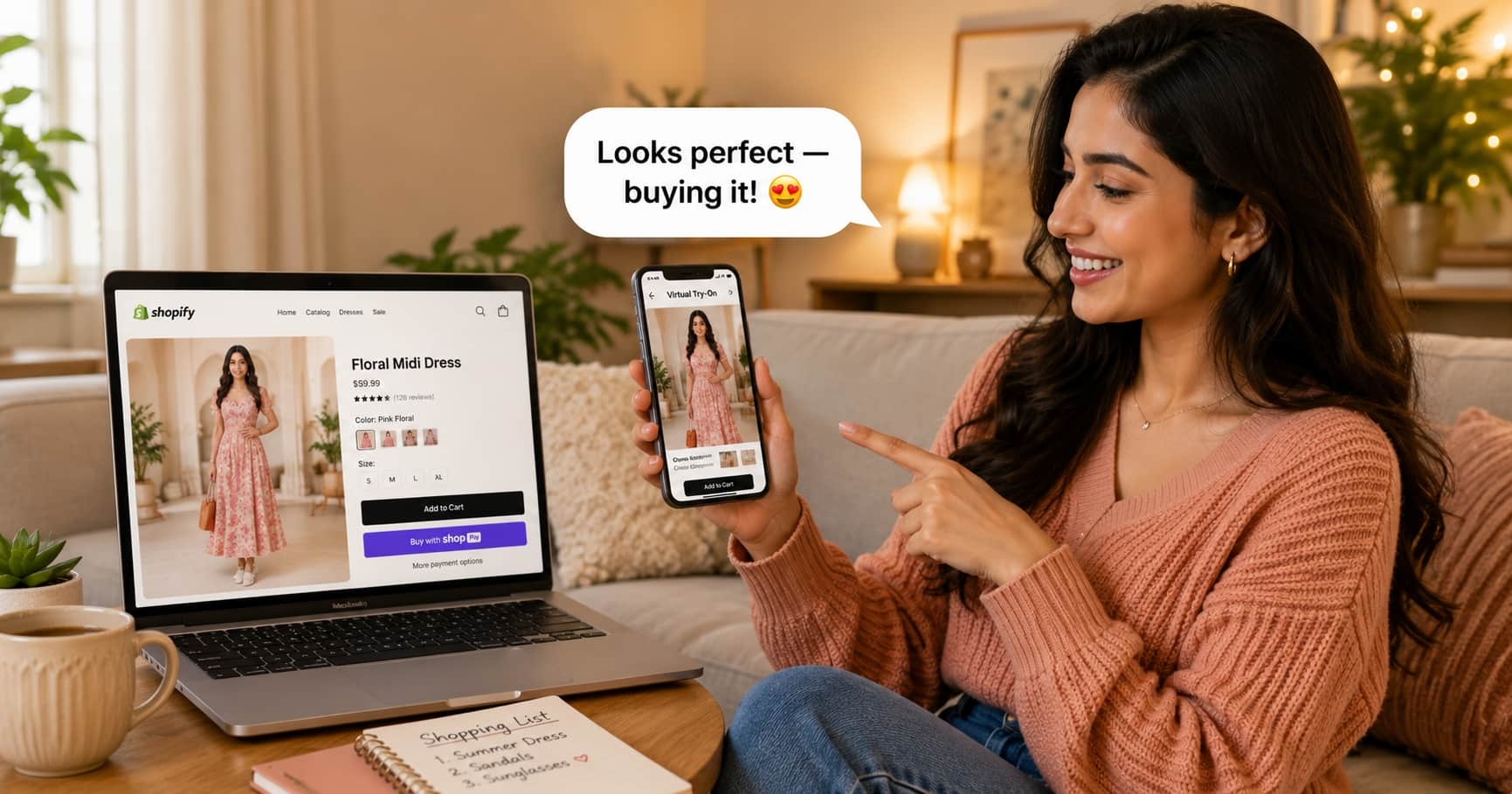
What Is Try Before You Buy on Shopify?
Try before you buy (TBYB) on Shopify refers to any purchasing model or feature that allows shoppers to evaluate a product before committing financially. For clothing, there are two approaches:
Physical Try Before You Buy
Items are shipped to the customer. They try them on at home and return what doesn't work within a set window. Payment is captured only for items kept.
Used by: Stitch Fix, Amazon Wardrobe, some independent retailers
$15–30 per item sent
AI Virtual Try-On (Digital TBYB)
The shopper uploads a photo. AI generates a photorealistic image of them wearing the garment in 7 seconds. No shipping, no returns, no logistics.
Used by: TryOnCloud merchants on Shopify and WooCommerce
From $0 (10 free/month forever)

Physical vs Virtual Try Before You Buy: Full Comparison
| Factor | Physical TBYB | AI Virtual Try-On |
|---|---|---|
| Cost per interaction | $15–30 | Under $0.20 |
| Setup time | Weeks (logistics, returns portal) | 2 minutes (Shopify App Store) |
| Scalability | Limited by fulfillment capacity | Unlimited — no physical stock needed |
| Return rate impact | 30–40% of TBYB items returned | 25–35% fewer returns overall |
| Customer experience | Wait days for delivery | Result in 7 seconds |
| Suitable for small stores | No — expensive logistics | Yes — free plan available |
| Works on all products | Yes | All upper/full-body garments |
| Requires warehousing changes | Yes | No |
How AI Virtual Try-On Delivers Try Before You Buy on Shopify
AI virtual try-on for Shopify uses generative AI — specifically TryOnCloud's proprietary AI model — to composite a shopper's uploaded photo with a product image. The model understands fabric texture, body shape, lighting, and garment drape well enough to produce photorealistic results indistinguishable from real product photography.
Here is the complete flow from the shopper's perspective:
The key difference between AI virtual try-on and other try-before-you-buy solutions is immediacy. There is no waiting for a delivery, no scheduling, no return process. The shopper makes their decision with full visual information in under 30 seconds.
Cost Comparison: Physical TBYB vs AI Virtual Try-On at Scale
For a Shopify clothing store processing 500 try-before-you-buy interactions per month:
How to Set Up Virtual Try Before You Buy on Shopify
Setting up virtual try-on on Shopify takes 2 minutes and requires no coding:
Find TryOnCloud in the Shopify App Store and click Install. Approve the permissions.
Go to Online Store → Themes → Customize in your Shopify admin.
Navigate to your product page template, click Add block, select TryOnCloud TryOn Button, and drag it below your Add to Cart button.
Click Save, visit a product page on your live store, and test with a real photo.
Results: What Shopify Merchants See
Build Your Email List with Try-On Leads
Physical try-before-you-buy programs give you a customer only when they complete a purchase. AI virtual try-on gives you something more valuable: a lead from every shopper who engaged — including the ones who did not buy yet. TryOnCloud captures guest emails automatically after a shopper's second try-on, when purchase intent is at its peak.
Every captured email is saved to your Leads dashboard with the exact product tried, the date, and Shopify tag status. A "Virtual Try-On Users by TryOnCloud" segment is created on install — ready for targeted email campaigns in Shopify Marketing. These convert at 3-5x standard newsletters because the shopper already showed you exactly what they want.
FAQ
What is try before you buy on Shopify?
Try before you buy on Shopify lets shoppers evaluate clothing before purchasing. TryOnCloud delivers this digitally — shoppers upload a photo and see the garment on their body in 7 seconds, without any physical shipping.
How do I add try before you buy to my Shopify clothing store?
Install TryOnCloud from the Shopify App Store. Once installed, add the TryOn Button block to your product page template via the Theme Editor. Takes 2 minutes to set up with no coding.
Is AI virtual try-on the same as try before you buy?
AI virtual try-on is the digital version of try before you buy. Instead of physically shipping items for shoppers to try at home, virtual try-on generates a photorealistic image of the shopper wearing the garment in 7 seconds.
Does try before you buy reduce returns on Shopify?
Yes — significantly. AI virtual try-on reduces returns by 25–35% because shoppers see exactly how the garment looks on their specific body before buying.
What does try before you buy cost on Shopify?
Physical try-before-you-buy programs cost $15–30 per item sent. AI virtual try-on via TryOnCloud costs $0 for 10 try-ons per month forever, then $19/month for 100 try-ons.
Related Guides
Add Try Before You Buy to Your Shopify Store Today
AI virtual try-on delivers the same purchase confidence as physical TBYB — in 7 seconds, at 1% of the cost. 10 free TryOns every month forever.