
Industry News · July 2026
Kmart Has Virtual Try-On Now. Here's How Your Store Gets the Same Thing (Without Kmart's Budget)
Kmart just put AI virtual try-on in front of millions of shoppers, and if you run a clothing store of any size, you probably had the same two reactions everyone else did. First: that is genuinely useful, my customers would love that. Second: that is a mega-retailer project, there is no way I can afford it. The first reaction is right. The second one stopped being true a while ago, and this article is the receipts.
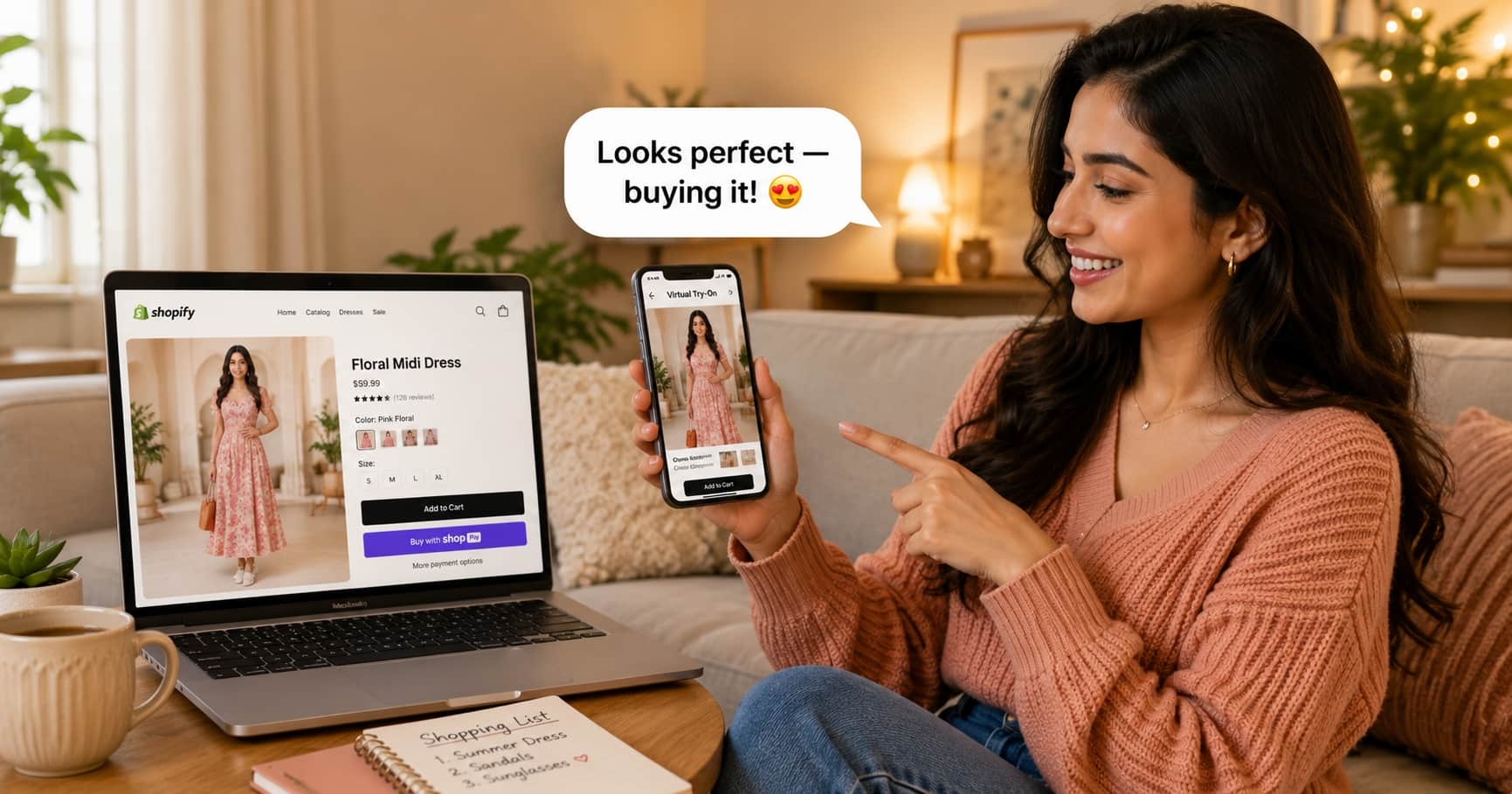
What Kmart Actually Launched
Kmart rolled out an AI-powered virtual try-on experience that lets shoppers see clothing on an image of themselves before buying, and the mainstream press covered it the way it covers every big-retail technology moment: as a glimpse of the future arriving early. Shoppers photograph themselves once, then browse garments rendered onto their own image instead of onto a model who shares neither their height, build, nor skin tone.
Strip away the press-release language and the product is simple to describe: photo-based AI try-on. One photo of the shopper, one product image, and a generative model that produces a realistic picture of that person wearing that garment. It is the same category of technology Google put into its shopping results and the same category we have been running for stores of every size, from single-founder boutiques to multi-store brands. If you want the deeper technical walkthrough, our guide on how AI virtual try-on works in practice covers the whole pipeline in plain language.
The significance of the Kmart launch is not the technology, which existed before. It is the normalization. When a retailer that sells to everyday families ships try-on, the feature stops being a novelty and starts being an expectation. Shoppers who use it on a big retailer's app on Saturday will notice its absence on your product page on Sunday.
The Wrong Lesson Merchants Take From It
Here is the reasoning we hear from store owners every time a giant ships something like this: Kmart has thousands of employees and a technology budget bigger than my lifetime revenue, therefore whatever they built must be out of my reach. The premise is true. The conclusion is not, and the gap between them is the entire story of how software pricing works.
Kmart pays big-retailer money because Kmart builds in-house: engineering teams, AI infrastructure contracts, months of integration with their own app, legal review, and a rollout across an enormous catalog. That is what it costs to own the machinery. But you do not need to own the machinery to serve the meal, the same way you do not build a payment processor to accept cards. You use Stripe or Razorpay for payments, Shopify for your storefront, and a try-on service for try-on. The giants' R&D spending is precisely what proves the feature works; the service model is what makes it a line item instead of a project.
The short version
Kmart validated the feature. You do not need Kmart's budget to offer it, you need a $19/month subscription and about ten minutes.
Kmart's Route vs. Yours: The Real Cost Table
| What it takes | Building it like Kmart | Adding it as a service |
|---|---|---|
| Team | AI engineers, app developers, QA, product managers | Nobody. A Shopify merchant clicks Install |
| Timeline | Months to quarters | Minutes on Shopify or WooCommerce, an afternoon for custom sites |
| Upfront cost | Six to seven figures before the first try-on | $0, the trial is free |
| Ongoing cost | Infrastructure + team salaries, forever | From $19/month, scales with usage |
| Catalog preparation | Their problem to engineer | None: it uses the product photos you already have |
| Where shoppers use it | Inside the retailer's own app | On your product page, in the browser, no app download |
That last row deserves a second look, because it is the one place where the service route is not just cheaper but better. An app-only try-on requires the shopper to have downloaded, installed, and opened a retailer's app. Your shoppers arrive from Instagram, Google, and email on the mobile web. A try-on button that works right there on the product page meets them where the buying decision actually happens.
What the Same Tech Looks Like on Your Store
On a store running TryOnCloud, the shopper experience takes thirty seconds the first time and less afterward. A Try On Virtually button sits on the product page next to your size selector, styled in your brand colors. The shopper taps it, uploads one clear full body photo or takes one with their phone camera, and the AI renders that exact garment, its real fabric, print, and cut, onto their body. The result comes back in seconds, they compare a few looks against the same photo, and they add to cart with the question that causes most returns already answered.
- No app, no account. It runs in the browser on the product page, mobile and desktop.
- Automatic quality screening. Every generated image is checked before the shopper sees it, and anything with a rendering artifact is regenerated silently.
- Email capture at peak interest. Shoppers can leave their email at the try-on moment, feeding your list and your customer segments. For many stores this quietly outperforms the discount popup.
- Your logo on results. On Growth and Scale plans every generated image carries your branding, so shared results market the store.
- Built for spikes. The engine runs on auto-scaling, multi-zone cloud infrastructure targeting 99.9% uptime, so a sale weekend cannot take the button down.
Getting It on Any Platform You Sell On
Kmart's try-on works in exactly one place: Kmart. The service model has no such restriction, and this is where it matters what your store actually runs on.
Shopify
Install the TryOnCloud app from the Shopify App Store, drop the button block into your product template, done. Catalog syncs itself. Full walkthrough in our Shopify guide.
WordPress / WooCommerce
Install the plugin, paste your API key, and the try-on button appears on WooCommerce product pages. Start from a free account.
Custom sites & agencies
React, Next.js, Vue, Angular, Laravel, plain PHP or JavaScript: the developer API is a two-endpoint flow a developer wires up in an afternoon. Agencies run multiple client stores on one account with volume pricing.
Physical stores
The same engine powers an in-store virtual try-on kiosk on any screen with a camera. Shoppers can even hold a physical garment up to the camera and see it on themselves, no catalog entry needed.
One subscription, one engine, every channel. That coverage matters more than it sounds: the merchants who win from moments like the Kmart launch are the ones whose shoppers meet try-on everywhere the brand exists, not just in one app.
What It Changes in Your Numbers
Kmart did not ship this for the press coverage. Fashion retail invests in try-on because the economics of selling clothes online are brutal in one specific place: shoppers cannot see the garment on themselves, so they either do not buy, or they buy three sizes and return two. Across the live stores on our platform this year, the pattern is consistent:
- Shoppers who try on convert at roughly two to three times the rate of shoppers on the same product pages who do not, with dresses and occasion wear at the top of the range.
- Try-on sessions cover multiple garments. The bracketing instinct moves from the mailbox into the browser, where an extra look costs you nothing instead of a return-shipping label.
- The looked-different-than-expected return reason shrinks, because the shopper saw it on themselves before paying. The full math is in our returns deep-dive.
- Your email list grows at the highest-intent moment a fashion store has, the second a shopper wonders how something looks on them.
Live in an Afternoon: The Exact Steps
- Pick your integration. Shopify App Store, WooCommerce plugin, developer API, or kiosk. The free trial works on all of them, so you judge the results on your own catalog before paying anything.
- Connect the catalog. On Shopify and WooCommerce this is automatic. The AI works from your existing product photos, flat lays and mannequin shots included, so there is nothing to reshoot.
- Place and style the button. Drop the Try On Virtually block onto your product template in the theme editor and set it to your brand colors. Position it next to the size selector, where the fit question lives.
- Go live and watch the dashboard. Try-on counts, captured emails, and per-product activity all land in your merchant dashboard, so within a week you know exactly which products shoppers are trying and buying.
What It Costs (Spoiler: About One Prevented Return)
Every plan includes the full engine, catalog sync, email capture, quality screening, and mobile support. The difference between plans is volume, not features held hostage.
- Starter, $19/month: 100 try-ons, the right size for testing the feature on a boutique.
- Growth, $49/month: 300 try-ons, your logo on every result, priority support. Most popular.
- Scale, $145/month: 1,000 try-ons, multiple domains, phone and email support.
- Enterprise: custom volume, SLA guarantees, and dedicated infrastructure for large retailers and agencies. Details on the pricing page.
Run the comparison every merchant runs in their head: a single bracketed order that does not happen, one return label, one repackaging, one item that would have come back unsellable, typically covers a month of Starter by itself. Kmart needed a business case with a lot more zeros. Yours fits on a sticky note.
Questions Merchants Are Asking This Week
How much does virtual try-on like Kmart's cost for a small store?
Kmart built theirs in-house, which means engineering teams, AI infrastructure, and a timeline measured in quarters. A store using TryOnCloud gets the same shopper experience as a service: plans start at $19 per month for 100 try-ons, $49 for 300, and $145 for 1,000, with a free trial before any payment. There is no hardware, no setup fee, and no engineering project.
Do my shoppers need to download an app like Kmart's?
No, and this is actually an advantage over the big-retail versions. Kmart's try-on lives inside the Kmart app. On a TryOnCloud store, the try-on button sits directly on the product page and runs in the browser, desktop or mobile, with nothing to install. The shopper taps the button, adds a photo, and sees the result on the same page.
How long does it take to add virtual try-on to my store?
On Shopify, most merchants are live in under ten minutes: install the app from the Shopify App Store, drop the button block onto the product template in the theme editor, done. WordPress and WooCommerce use a plugin with an API key. Custom sites integrate the developer API, which is typically an afternoon of work for one developer.
Will the try-on work with my product photos as they are?
Yes. The AI works from the product images already in your catalog, the same ones on your product pages. Flat lays, mannequin shots, and on-model photos all work. There is no reshooting, no 3D modelling, and no garment digitization step, which is where older try-on technology used to bury small stores in cost.
Is the result accurate enough to reduce returns?
The render shows the actual garment, its print, cut, and drape, on the shopper's own body from their photo. That answers the question behind most fit returns, which is whether the item suits them, not millimetre tailoring. Every result on TryOnCloud also passes an automatic quality screen before the shopper sees it, and flagged images are regenerated.
Can physical stores get something like this too, not just websites?
Yes. The same engine powers an in-store virtual try-on kiosk that runs on any screen with a camera. Shoppers try garments from your synced catalog, or hold any physical item up to the camera and see it on themselves, no catalog entry needed. It is the closest thing to what big retailers pilot on their shop floors, at boutique cost.
Kmart Proved Shoppers Want It. Prove It on Your Own Catalog.
The trial is free and the setup takes minutes, so the fastest way to settle the question is to see your own products on a real body today.