
Klaviyo and Virtual Try-On: The 'Try-On Lead' Event That Triggers Revenue Flows
Most marketing automation reacts to clicks and opens. This integration reacts to something far stronger: a shopper who uploaded a photo and saw themselves wearing your product. TryOnCloud streams that exact moment into Klaviyo as a 'Try-On Lead' event, so you can recover high-intent shoppers automatically. Here is how it works, why we built it the way we did, and the security behind every event.
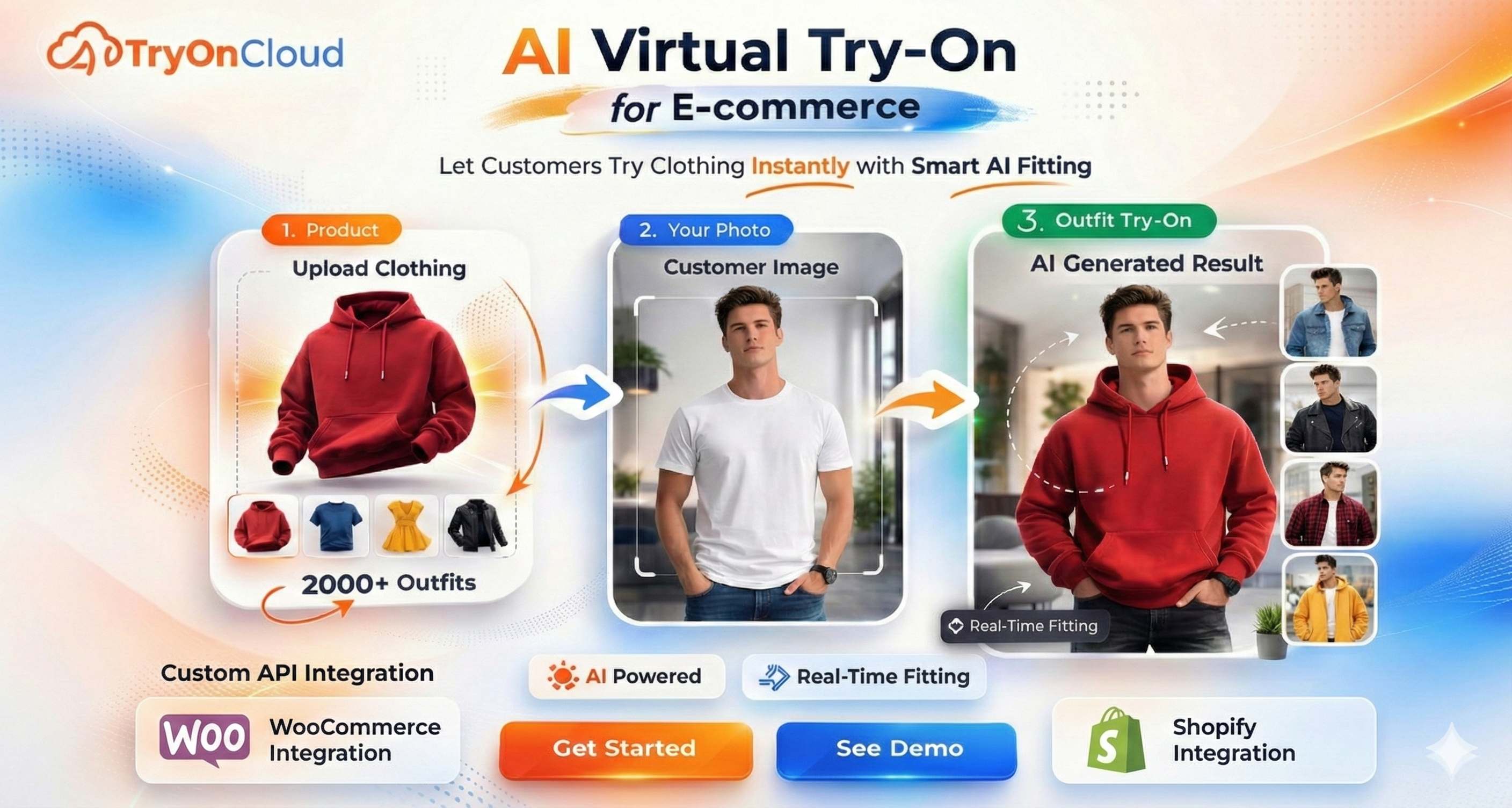
A shopper who tried on your product yesterday still has the mental image of wearing it. A gentle nudge inside that window converts far better than a generic newsletter sent days later.
What This Integration Does
Forget the jargon for a second. Here is the whole thing in one sentence: every time a customer tries on one of your products, Klaviyo gets a note that says 'this person tried on this item, right now.' That note lives on the customer's profile in Klaviyo, and you can use it to send the perfect follow-up email automatically.
You do not touch code at any point. You connect Klaviyo with two clicks inside your Shopify admin, and you build the follow-up emails in Klaviyo's normal drag-and-drop editor. TryOnCloud quietly does the connecting work in between.
The 'Try-On Lead' Event Explained
Klaviyo runs on events, small records of things customers do. 'Placed Order', 'Viewed Product', and 'Started Checkout' are all events. TryOnCloud adds a new one to that vocabulary: 'Try-On Lead'. It appears in your Klaviyo account under Analytics, Metrics the first time a shopper uses try-on, and from then on it behaves exactly like a native Klaviyo metric.
| Property | What it holds | Why it matters |
|---|---|---|
| Profile (email) | The shopper's email address | Attaches the event to the right person in Klaviyo |
| Product | Name of the item tried on | Lets you reference the exact product in your email |
| Product URL | Direct link to the product page | One-tap path back to buy |
| Time | Exact timestamp of the try-on | Powers time-based flow delays, such as wait 24h |
Notice what is not there: no uploaded photo, no generated image, no payment data, nothing sensitive. The event is intentionally lean, enough to power great marketing and nothing more.
What You Can Build With It
Because 'Try-On Lead' is a first-class Klaviyo event, it slots into every part of Klaviyo's toolkit: flows, segments, and campaigns. Here are the highest-impact plays.
Trigger on 'Try-On Lead', wait 24 hours, and if the shopper has not placed an order, send a reminder that references the exact product they tried. This is the single highest-ROI play in this list.
Segment everyone who tried a category, for example 'tried a lehenga in the last 30 days', and target your new-arrival emails precisely instead of blasting the whole list.
You already know who tried what. Notify them the moment it restocks. The intent was there, so these emails convert on availability alone.
Tried a kurti? Suggest the matching dupatta. Personalised by the exact item tried, it feels relevant rather than generic, and it lifts average order value.
Build the Abandoned Try-On Flow
This is the flow that pays for the integration. It runs entirely inside Klaviyo's visual builder, with no code. Here is the exact recipe.
Create a flow
In Klaviyo, go to Flows, Create Flow, Build your own. Name it 'Abandoned Try-On'.
Set the trigger
Choose a Metric trigger and select 'Try-On Lead'. Now the flow starts the moment a shopper completes a try-on.
Add a time delay
Drag in a Time Delay block and set it to 24 hours. This gives the shopper a natural window to come back on their own.
Add a conditional split
Add a Conditional Split: 'what someone has done, has NOT Placed Order since starting this flow.' This skips anyone who already bought.
Write the email
On the 'no purchase' path, add an Email. Reference the product with Klaviyo's event variables, for example 'Still thinking about the [Product]?' and link to the [Product URL].
Turn it live
Set the flow to Live. From now on it runs automatically for every shopper who tries on and does not buy, with no manual work ever.
Why an Event, Not a Subscriber List
Some try-on apps try to push shoppers straight onto an email list. We deliberately chose a different, cleaner architecture: we send an event and never touch consent. This is not a limitation, it is the correct design, and it benefits you in three concrete ways.
| Approach | Triggers flows | Consent risk | Permissions needed |
|---|---|---|---|
| Event-first (TryOnCloud) | Yes | None | 2 (minimal) |
| List-subscribe (others) | Indirectly | High | 4 to 5 |
Why this matters for you: events are exactly what Klaviyo flows are built to react to, so you get the powerful automations without the baggage. Subscribing shoppers to a list without a clear opt-in is a genuine GDPR and CCPA risk; by staying event-only, that risk simply does not exist. Consent stays where it belongs, in your Shopify checkout and Klaviyo sign-up forms, synced by Klaviyo's own native Shopify connector. We add the missing behavioural signal and nothing else.
Security: The Simple Version
You are handing a third-party app a connection to your marketing platform. You should know exactly how that is protected. Here it is without a single technical term.
| What we do | What it means for you |
|---|---|
| You log in on Klaviyo's own screen | We never see your password. You approve access on Klaviyo's site, not ours. |
| We ask for only 2 permissions | We can read your account name and send events. We cannot read your contacts, delete data, or send emails as you. |
| The access key is scrambled before storage | Even in the unlikely event of a breach, the key is unreadable without a separate secret. |
| You can disconnect in one click | Access is revoked at Klaviyo and deleted on our side instantly. |
| We only send email and product | No photos, no payment info, no sensitive data ever leaves for Klaviyo. |
Under the Hood: The Engineering
For the technically curious, developers, security teams, and larger merchants doing due diligence, here is precisely how the integration is built. Every choice below was made to be safe by default.
The connection uses Klaviyo's official OAuth 2.0 authorisation-code flow, hardened with PKCE (Proof Key for Code Exchange). A cryptographically random code verifier is generated per attempt, its SHA-256 challenge is sent to Klaviyo, and the verifier is held server-side and exchanged only at token time. This defeats authorization-code interception. No API keys are ever pasted or transmitted by you.
The app requests exactly two scopes, accounts read and events write, and nothing else. It cannot read your profiles, modify lists, or send campaigns. Minimising scope shrinks the blast radius of any compromise and is the reason the consent screen you see is short and honest.
Access and refresh tokens are encrypted with AES-256-GCM before they are written to the database, using a key held outside the database. GCM is authenticated encryption, so any tampering with the stored ciphertext is detected on decrypt. Tokens are never logged in plaintext.
Klaviyo access tokens are short-lived. TryOnCloud refreshes them automatically a few minutes before expiry using the stored refresh token. If a refresh ever fails because access was revoked, the connection is marked 'needs reconnect' rather than failing silently, so you always know the true state.
A try-on does not call Klaviyo directly. It writes the event to a durable outbox in our database, and a background worker delivers it. If Klaviyo is slow or returns an error, the worker retries with exponential backoff across several attempts. Each event carries a stable unique id, so even if a retry sends the same event twice, Klaviyo de-duplicates it and your metrics never inflate.
All traffic to Klaviyo runs over TLS (HTTPS) only, and requests are time-bounded to prevent hung connections. The payload is restricted to the shopper's email and the product tried, a deliberate data-minimisation choice that keeps the integration compliant and your customers' sensitive data out of scope entirely.
Two scopes is the entire permission footprint of the integration: accounts read and events write, nothing more. Fewer permissions means a smaller attack surface, a clearer approval screen, and a connection you can reason about completely.
How to Connect (Two Clicks)
Connecting takes under a minute and never leaves a safe surface. You start inside Shopify and authorise on Klaviyo's own screen.
Open TryOnCloud, Leads, Integrations
Inside your Shopify admin, open the TryOnCloud app and find the Klaviyo row under Integrations.
Click Connect
A secure Klaviyo tab opens. Log in if you are not already.
Click Allow
Approve the two requested permissions, accounts read and events write.
You are live
The status flips to Connected automatically. Your next try-on sends a 'Try-On Lead' event, which you can confirm under Analytics, Metrics in Klaviyo.
That is the entire setup. There is no list to choose, no field to map, and no code to paste. The integration is intentionally configuration-free: connect, and the right thing happens.
FAQ
What is the Klaviyo virtual try-on integration?
It is a direct connection between TryOnCloud (your Shopify virtual try-on app) and Klaviyo (your email and SMS marketing platform). Every time a shopper completes a virtual try-on, TryOnCloud sends a 'Try-On Lead' event to that shopper's Klaviyo profile, along with the product they tried. You can then use that event to trigger automated flows and build segments inside Klaviyo, with no code and no CSV exports.
What is a 'Try-On Lead' event in Klaviyo?
It is a custom Klaviyo metric that TryOnCloud creates automatically the first time it fires. Each event is attached to the shopper's profile (matched by email) and carries properties like the product name and product URL. In Klaviyo you will find it under Analytics, Metrics, 'Try-On Lead'. Because it is a real behavioural event, you can use it as a flow trigger or a segment condition, exactly like Klaviyo's built-in 'Placed Order' or 'Viewed Product' events.
Do I need to write any code to use this?
No. You connect Klaviyo from inside the TryOnCloud app in your Shopify admin by clicking Connect and authorising on Klaviyo's secure screen. From that point on, events flow automatically. Building flows and segments happens inside Klaviyo's visual, drag-and-drop builder, with no code anywhere in the process.
Does TryOnCloud see my Klaviyo password or API keys?
No. The connection uses Klaviyo's official OAuth 2.0 flow with PKCE. You log in on Klaviyo's own screen and approve access, so TryOnCloud never sees your password and you never paste an API key. We receive a scoped access token that is encrypted before it is stored, and you can revoke it at any time from the TryOnCloud admin or from Klaviyo's integrations page.
What data does TryOnCloud send to Klaviyo?
Only what is needed to power try-on marketing: the shopper's email (so the event attaches to the right profile) and the product they tried (name and URL). We do not send the shopper's uploaded photo, the generated try-on image, payment details, or any sensitive personal data. Order events are not sent either, because Shopify's native Klaviyo connector already emits 'Placed Order' on its own.
Will this subscribe shoppers to my email list without consent?
No. The integration is event-only by design. Sending a 'Try-On Lead' event records behaviour; it does not grant marketing consent or add anyone to a list. Consent is handled by your existing Shopify and Klaviyo setup. This keeps the integration fully compliant with GDPR and CCPA, so you can only email shoppers who have genuinely opted in.
What happens if Klaviyo is temporarily down?
Nothing is lost. Every try-on is written to a durable queue first, then delivered to Klaviyo by a background worker. If Klaviyo returns an error or times out, the event is retried automatically with exponential backoff. A built-in idempotency key guarantees that retries never create duplicate events, so your metrics stay accurate.
What Klaviyo permissions does the app request?
Only two: 'Accounts (read)' to verify the connection, and 'Events (write)' to send the 'Try-On Lead' event. We deliberately request the minimum needed. Fewer scopes means a smaller security surface, a clearer approval screen for you, and faster review by Klaviyo's partner team.
Can I disconnect Klaviyo later?
Yes, anytime. Open the TryOnCloud app, Leads, Integrations, Klaviyo, Disconnect. We immediately revoke the access token at Klaviyo and delete it from our database. You can also revoke access from within Klaviyo's own integrations settings.
Related Guides
Turn try-ons into Klaviyo flows today
Install TryOnCloud from the Shopify App Store, connect Klaviyo in two clicks, and let every try-on trigger your marketing automatically. Free on every plan, with 10 free try-ons each month, forever.